Staff Post-Training
Essential Knowledge for PGN:U Staff | Getting Player's Information
Essential Knowledge for PGN:U Staff | Getting Player's Information
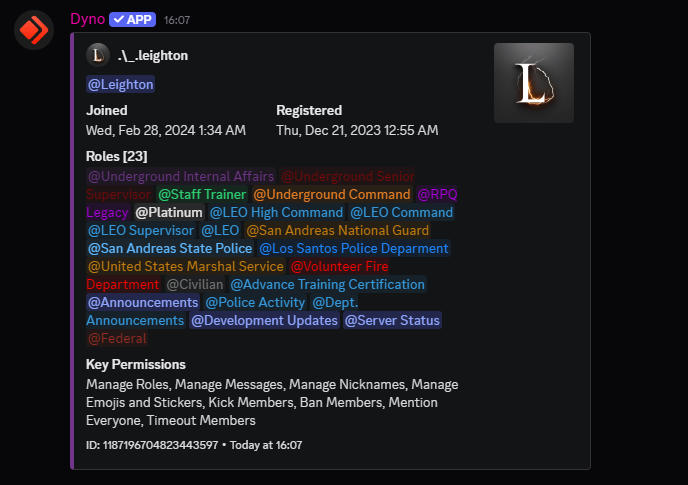
This section describes the methods for obtaining a player's information, such as their Discord ID or In-Game Name (IGN).
#join-logs channel for better results.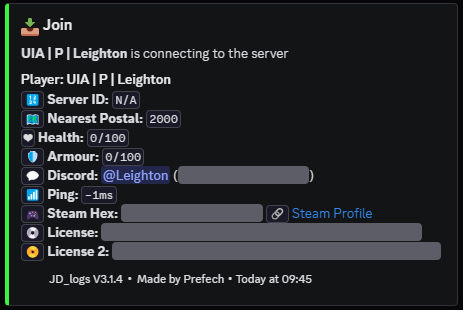
Tip: This method also works in reverse. If you have a Discord UID, you can search the logs to find associated IGNs.
#staff-bot-commands channel in the main PGN:U Discord server.?whois [Discord UID] (replace `[Discord UID]` with the actual ID you obtained).